Product · 7 min read
Build a signature preset
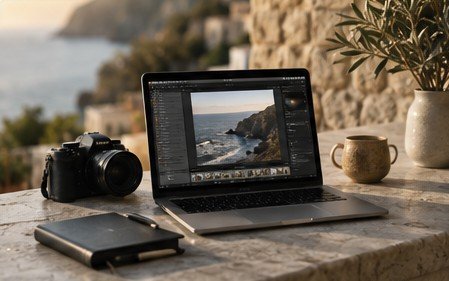
From a prompt to a reusable look: how Prompt → Preset works, and how to apply it across a whole album.
Open the editor, type what you want — “professional convention flash, neutral 5000K skin tones, slightly darker background, sharp eyes and costume details with no visible grain” — and press enter.
PhotoPilot analyses the request and produces a parameter set. Preview it, adjust any slider, then Save as preset and give it a name. It appears in the Presets panel, in Batch Edit and in the AI Styles tab.
Select an album, choose Batch Edit → your preset → Apply. Each photo receives the same look, while AI Auto Enhance (optional) still balances exposure per image so nothing is blindly applied.
Try it on your own photo — open the editor.